Most people assume CRM is something that only sales teams use. A piece of enterprise software full of dashboards, deal stages and quarterly forecasts. Something that lives in a corporate IT stack and has nothing to do with your job search.
That assumption is costing job seekers real opportunities.
- A CRM (Customer Relationship Management) system tracks relationships, conversations and next steps in one place.
- It is not just for sales teams. The same pipeline logic applies directly to a job search.
- Recruiters and hiring managers are already tracking you in a CRM. This guide shows you how to build your own.
- You will learn what CRM software does, why it matters and how to set up a simple job-search system using the same model.
According to Salesforce, CRM technology helps organisations manage all their relationships and interactions with contacts in one place. And according to Digital Applied's 2026 CRM adoption data, around 91% of companies with 10 or more employees already use one.
The recruiters and hiring managers you are talking to right now are almost certainly tracking you in a CRM. The question is whether you are tracking them back.
This guide explains what a CRM system is, what it actually does and how to apply the same thinking to run a more organised, lower-stress job search.
What is a CRM system?
CRM stands for Customer Relationship Management. It refers to both a business strategy and the software that supports it. The strategy is simple: manage your relationships in a structured, repeatable way so nothing important gets forgotten. The software is what makes that practical at scale.
A CRM system stores everything about a contact in one place: their name, organisation, how you met, every conversation you have had, what was agreed and what needs to happen next. It also tracks where each relationship sits in a process, whether that is a sales pipeline, a hiring process or a networking sequence.
CRM vs spreadsheet vs email inbox
Most people try to manage complex, multi-party processes with tools that were not designed for it. Here is how the 3 approaches compare:
| Spreadsheet | Email inbox | CRM system | |
|---|---|---|---|
| Contact history | Manual, easy to lose | Buried in threads | Centralised, searchable |
| Next actions | You have to remember | Untracked | Logged with reminders |
| Status tracking | Static rows | None | Live pipeline stages |
| Follow-up prompts | None | None | Automated or flagged |
| Scales with volume | Gets messy fast | Chaotic above 10 threads | Designed for volume |
As HubSpot explains, a CRM replaces scattered notes, inboxes and spreadsheets with a single source of truth. And as CRM.org notes, the principles apply well beyond traditional sales teams, wherever you need to manage relationships and next steps with consistency.
The core insight is that a CRM does not just store information. It imposes a process on top of it.
What does CRM software actually do?
The definition makes sense in theory. But what does a CRM system actually do when you open it?
Most CRM platforms, whether enterprise tools like Salesforce or lightweight options like HubSpot or Pipedrive, share the same core set of functions:
- Contact management: Store every person you are in contact with, their role, organisation and relationship history. One profile per contact, updated over time.
- Activity tracking: Log every call, email, meeting or message. You can see at a glance when you last spoke to someone and what was discussed.
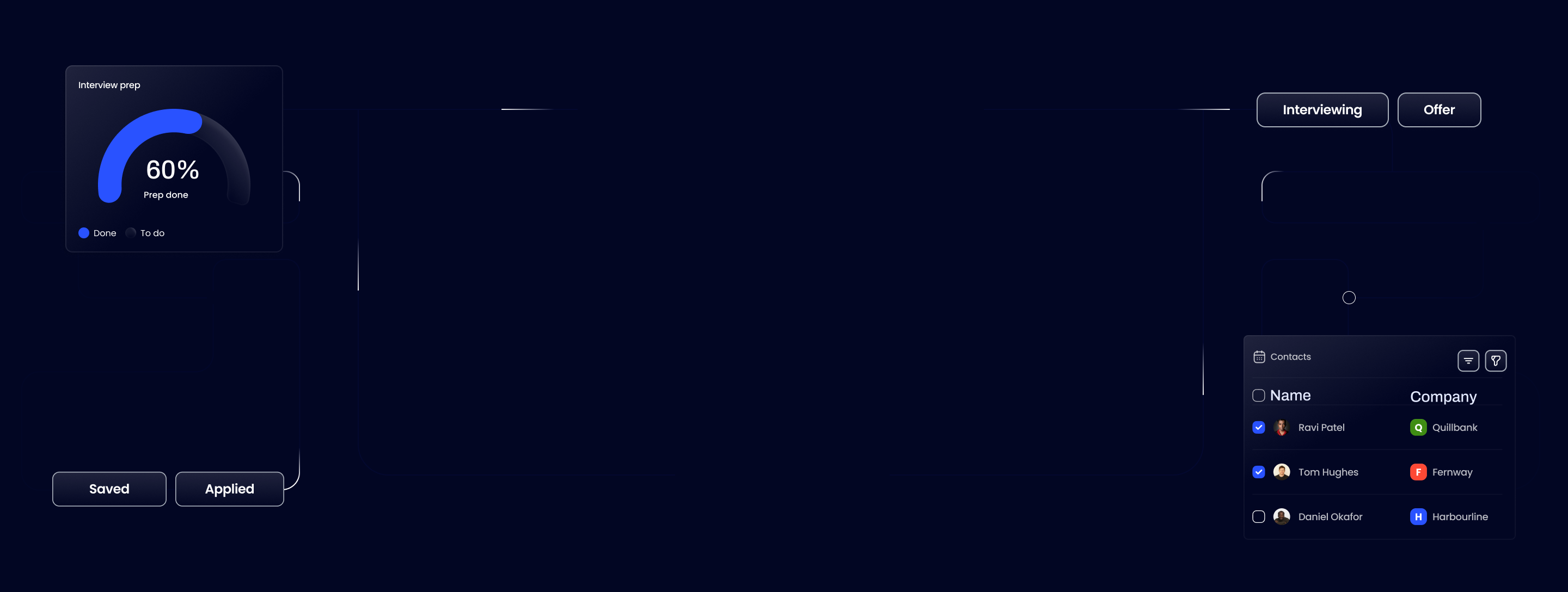
- Pipeline stages: Move contacts or opportunities through defined stages (for example: first contact, interview scheduled, offer pending). This gives you a visual map of where things stand.
- Tasks and reminders: Set follow-up actions with deadlines so nothing slips. The CRM prompts you rather than relying on your memory.
- Notes and context: Attach notes to contacts or deals so you always have the context you need before a call or meeting.
- Reporting: See patterns across your pipeline, which stages are stalling, which contacts have gone cold, where you are spending time.
The real value is not any single feature. It is the discipline the system creates.
According to Digital Applied, 87% of CRM users now run cloud-based systems and 70% access them on mobile. This is no longer niche infrastructure. It is a standard way of working for professionals managing relationships at volume.
Why CRM systems matter now
CRM adoption is not a trend. It is already the norm in professional environments, and the numbers make that clear.
CRM adoption by sector (2026):
- Technology: 94% of companies use a CRM system
- Manufacturing: 86%
- Education: 85%
- Healthcare: 82%
- Human resources: 81%
- Overall (companies with 10+ employees): 91%
Source: Digital Applied CRM Statistics 2026
Here is what this means for job seekers specifically: the companies you are applying to, and the recruiters handling their hiring pipelines, are almost all running structured CRM-style systems to track candidates. They know when you applied, when you last responded and how long you have been in their pipeline.
You are in their system. Most job seekers have no equivalent system of their own.
That asymmetry matters. A job search that runs for 5 months (the average duration, according to industry data) involves dozens of active conversations, multiple follow-up threads and contacts at various stages. Managing that with a combination of memory, browser tabs and a half-finished spreadsheet is not a strategy. It is organised chaos at best.
CRM thinking is how you close that gap and operate with the same level of structure the other side of the table takes for granted.
Unlock your career potential today

Experience the power of Ask Tua and run your whole job search in one app.
How a CRM helps with a job search
The CRM model translates directly to a job search. Every concept maps cleanly.
Sales CRM terms, job-search equivalents
| Sales CRM term | Job-search equivalent |
|---|---|
| Contact / lead | Recruiter, hiring manager or networking connection |
| Opportunity / deal | A specific role you are pursuing |
| Pipeline stage | Where the role sits: saved, applied, screening, interview, offer |
| Activity log | Notes from every call, email or coffee chat |
| Task / reminder | Follow-up date, deadline to send a thank-you, application deadline |
| Deal value | Target salary or role priority |
| Closed won | Offer accepted |
| Closed lost | Role filled, withdrawn or deprioritised |
Using a CRM for job searching allows you to track every application, touchpoint, and follow-up in a structured pipeline. That is not a metaphor. It is a direct application of the same method.
What this looks like in practice
You have 14 active applications. Three recruiters have gone quiet. One hiring manager asked you to follow up in 2 weeks. Another role closes on Friday.
Without a system, you are relying on memory and inbox archaeology. With a CRM-style setup, you open one view, see exactly where each conversation stands and know what needs to happen today.
The benefit is not just organisation. It is reduced anxiety. When everything is tracked, you stop carrying the mental load of trying to remember what you said to whom and when.
When the future becomes opaque and difficult to predict, it's only natural to try to control what we can.
That shift, from scattered to structured, is what CRM thinking delivers for a job search.
How to set up a simple CRM-style job search system
You do not need enterprise software to apply CRM thinking to a job search. You need a clear process and a place to record it. Here is how to build one.
Step-by-step setup
- Define your pipeline stages. Keep it simple. A practical set of stages for most job searches: Saved, Applied, Recruiter Screen, Interview, Final Stage, Offer, Closed.
- Choose where to track it. A spreadsheet works if you are disciplined. A lightweight CRM like HubSpot or Pipedrive gives you reminders and a visual pipeline. A purpose-built job search app (more on this below) handles the structure for you.
- Set up one record per role. Each role you are actively pursuing gets its own entry.
- Log every contact and conversation. Every recruiter call, every email, every LinkedIn message. Record the date, what was discussed and what was agreed.
- Set a next action for every open record. Nothing should sit in your system without a clear next step and a date attached to it.
- Review weekly. Spend 15 minutes each week moving records through stages, closing out dead ends and confirming your follow-up queue.
Fields to track for each role
| Field | What to record |
|---|---|
| Company | Organisation name |
| Role title | Exact job title |
| Source | Where you found it (job board, referral, LinkedIn) |
| Contact name | Recruiter or hiring manager |
| Last touch | Date of last interaction |
| Next action | What you need to do next |
| Deadline | Application close or follow-up date |
| Notes | Key context from conversations |
The best system is the one you actually update. Start simple. Add complexity only when the volume demands it.
CRM software examples and when each type makes sense
Not all CRM tools are built for the same user. Here is a quick breakdown of the main categories and who each one suits.
| CRM type | Examples | Best for | For job seekers? |
|---|---|---|---|
| Enterprise CRM | Salesforce | Large organisations with dedicated sales ops teams | Too complex, too expensive for individuals |
| SMB CRM | HubSpot, Pipedrive | Small to mid-size businesses, startup sales teams | Usable, but built around business workflows |
| Personal CRM | Clay, Dex | Managing professional relationships and networking | Good for networking-heavy searches |
| Job-search specific | Ask Tua | Professionals running an active job search | Purpose-built for this exact use case |
Which one should you use?
Salesforce is the market leader in enterprise CRM, but it is overbuilt for an individual job seeker. The setup complexity and cost make it a poor fit. HubSpot and Pipedrive are far more approachable and both offer free tiers that work well as lightweight pipeline trackers.
For relationship-heavy searches, personal CRM tools like Clay and Dex are worth exploring. They are built around managing individual contacts rather than business deals.
If you want a system designed specifically for job searching, Ask Tua helps you find relevant roles, target your CV to each role and track applications, recruiter conversations and follow-ups in one place. It is built around the exact problem this article is describing.
For most people starting out, the right answer is: pick the simplest tool you will actually use consistently, and build the habit before adding features.
You do not need a sales team to use CRM thinking
A CRM system is not just a category of software. It is a way of working. The core idea, track your relationships, log your conversations, set your next actions and move things forward deliberately, applies to any situation where multiple important conversations are happening at once.
A job search is exactly that situation.
The recruiters and hiring managers on the other side of your applications are already operating this way. Adopting the same model is not overkill. It is how you stop dropping opportunities and start running a search that compounds over time.
Your next steps:
- Read the Ask Tua guide on how to organise your job applications for a practical walkthrough of the full system.
Ask Tua is the coaching app for your whole job search. Find relevant roles from 5,600+ UK companies, target your CV to each role, track applications and follow-ups, and learn what earns interviews.